
Transparent Favicon Generator
Create a transparent favicon from an image, SVG, text, or emoji and test it on light and dark browser chrome before downloading every file.
This is how a clear favicon helps your result feel recognizable.
Transparency works only when the mark survives every background
Choose Transparent under Background, then switch the preview between light and dark themes. White marks disappear on pale chrome; black marks disappear in dark or private windows unless the silhouette contains its own contrasting edge.
PNG, SVG, and ICO can preserve transparent pixels. Apple and maskable app icons often work better with a deliberate full-bleed background, so inspect those contexts separately before deployment.
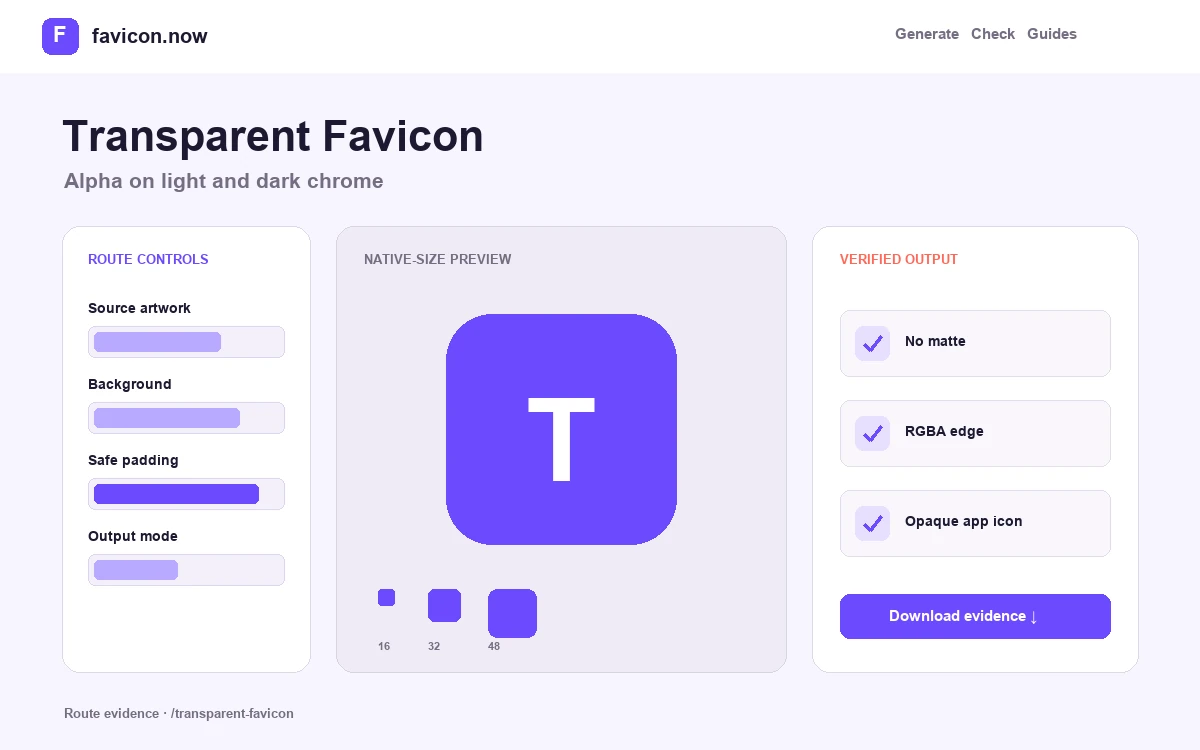
Audit alpha on hostile backgrounds
Transparency removes the safety of a fixed field. Test the mark on white, charcoal, browser gray, and private-mode chrome; a single-color logo can disappear completely even though its PNG opens correctly.
Inspect semitransparent edge pixels
Anti-aliased edges can carry a matte color from the source editor. Pale or dark halos become visible when the favicon moves to a different background, so review the edge at both native size and a magnified diagnostic view.
Separate tab transparency from app-icon composition
A transparent browser favicon can be excellent, while Apple and maskable assets generally benefit from a deliberate background. The package keeps those purposes distinct rather than forcing transparent corners into adaptive app crops.
Transparent SVG or RGBA PNG mark
Light/dark preview · edge halo inspection · opaque maskable output
Transparent browser files plus deliberate Apple and adaptive assets
Transparent Favicon Generator output matrix
favicon.svgTransparent vectorTheme-aware browser optionfavicon-48x48.pngRGBA rasterExplicit transparent fallbackmaskable-icon-512x512.pngOpaque full-bleed fieldAdaptive cropsSeparate transparent tab artwork from opaque app icons
Transparency can sharpen a browser-tab silhouette, but Apple and adaptive app surfaces often need a deliberate background. Production quality comes from testing those roles separately instead of exporting one transparent square everywhere.
Challenge the alpha edge
View the browser PNG and ICO frames on white, charcoal, neutral gray, and private-mode chrome. Check both recognition and unwanted matte-colored halos.
Give adaptive assets a field
Keep the central mark protected and extend an opaque background to the maskable image edges. This prevents transparent corners and an undersized floating symbol after system cropping.
Declare the correct file for each surface
Use transparent SVG or PNG candidates for browser contexts when appropriate, a dedicated Apple PNG, and separate any and maskable manifest entries with honest purpose values.
A file is not alpha-safe merely because its background is removed. Semitransparent edge pixels and low-contrast single-color marks still need inspection.
Review the transparent-to-maskable measurements →Transparent Favicon Generator FAQ
Why is there a white outline around my transparent icon?+
The source likely contains semitransparent pixels blended against white. Re-export without a matte and inspect the edge.
Should a maskable icon be transparent?+
No. A full-bleed opaque background prevents empty corners after adaptive cropping.
Can favicon.ico contain transparency?+
Yes. Modern ICO frames can preserve alpha, though every embedded frame should be inspected.
From favicon idea to verified deployment
Follow one clear path through creation, inspection, installation, and troubleshooting.