Favicon Checker for Real Files, Not Just Markup
Fetch a public website’s icon files and manifest, validate HTTP status, formats, dimensions, ICO frames, Apple assets, maskable icons, and search-ready candidates.

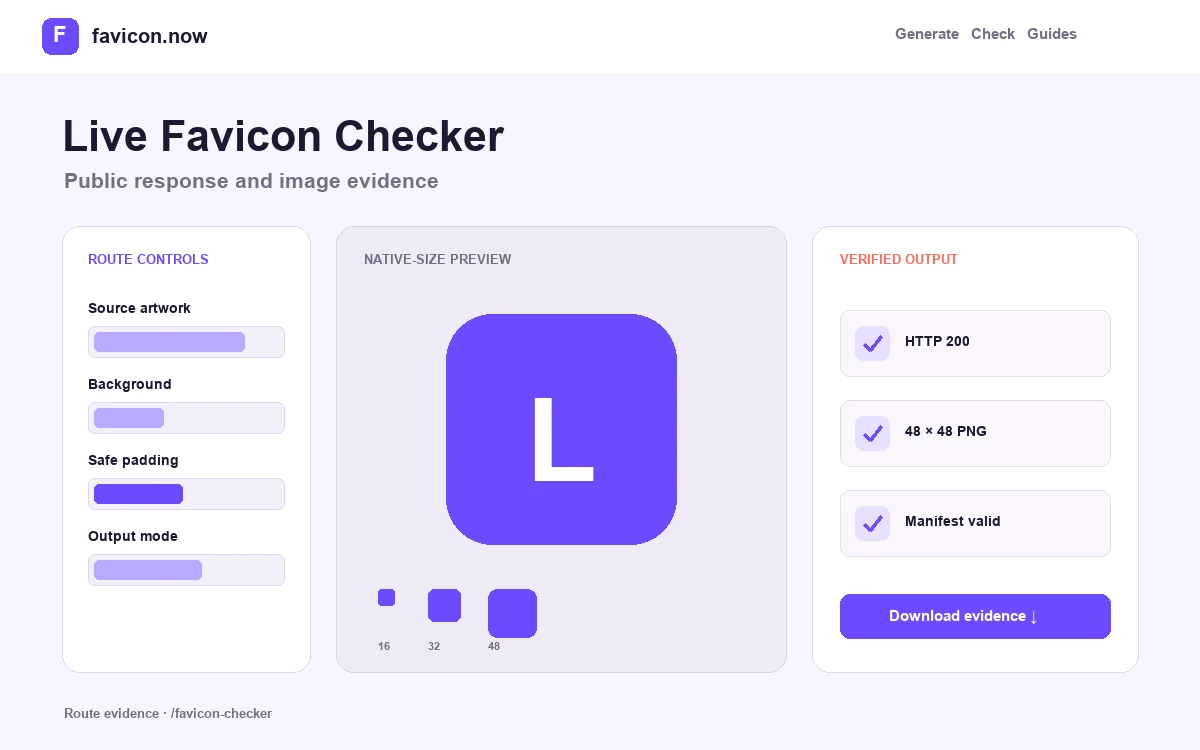
What the live favicon checker actually validates
The checker does more than search the page source for one link tag. It resolves candidates on the public hostname, requests the real assets, inspects their response and image data, and evaluates the separate browser, Apple, manifest, maskable, and search layers.
Discovery and URL resolution
The audit reads declared icon links, Apple touch metadata, the web app manifest, and the conventional root ICO. It resolves relative URLs against the production page so a path that looks plausible in a template cannot hide a broken nested-route or base-path deployment.
Transport and decoded files
Each candidate is checked for HTTP outcome, redirects, response Content-Type, byte weight, detected format, and image dimensions. ICO containers are opened to enumerate their frames; a 200 response containing HTML or a corrupt image is not counted as a working icon.
Surface-specific coverage
The report looks for a usable browser candidate, Apple touch artwork, valid manifest JSON, 192×192 and 512×512 app icons, maskable purpose, and a square search-oriented image. These are related requirements, not interchangeable proof from one file.
How to interpret the score and findings
The score summarizes checks completed during this request. Transport errors are failures to fetch or serve the file correctly; decoding errors mean bytes arrived but did not form the claimed image; coverage warnings identify a missing surface or recommended size. Start with failed URLs and invalid files, then fix metadata and optional coverage.
A high score does not guarantee immediate display. Browsers, home-screen shortcuts, service workers, CDNs, and search engines maintain independent caches and selection rules. Once every production response is correct, allow those downstream systems to refresh instead of repeatedly changing a valid URL.
Limits of a remote favicon audit
The checker evaluates the submitted public response without logging in or executing a full interactive browser session. A page that injects metadata only after client-side code, varies output by geography or user agent, or protects assets behind authentication can differ from the report. Search eligibility also depends on crawl access, stable host-level behavior, and the search engine’s own processing schedule.
Prove the current bytes first, then work outward through browser, service-worker, CDN, home-screen, and search caches.
Follow the cache guide →Favicon checker questions
What does the favicon checker actually request?+
It fetches the submitted public page, reads its declared icon links, Apple metadata, and web app manifest, then requests each resolved candidate plus the conventional root favicon.ico—validating status, redirects, MIME type, decoded dimensions, and ICO frames.
Why does my favicon pass the checker but still not appear?+
The report proves the current public responses. Browsers, service workers, CDNs, home-screen shortcuts, and search engines keep independent caches, so a previously fetched icon can persist after production is already correct.
Is a low score always a problem?+
Not necessarily. Transport failures and invalid files deserve immediate fixes, while coverage warnings—such as a missing maskable icon—only matter for surfaces the site actually supports. Fix errors first, then judge each warning.
Can I check a site that is behind a login or on my local machine?+
No. The checker requests only publicly reachable URLs and blocks localhost and private network ranges. Deploy the files to a public host or staging URL with public access to audit them.
From favicon idea to verified deployment
Follow one clear path through creation, inspection, installation, and troubleshooting.