
Favicon HTML Code Generator
Choose your file set and generate precise, copy-ready icon markup.
Root-relative paths keep the same icon URLs on nested pages.
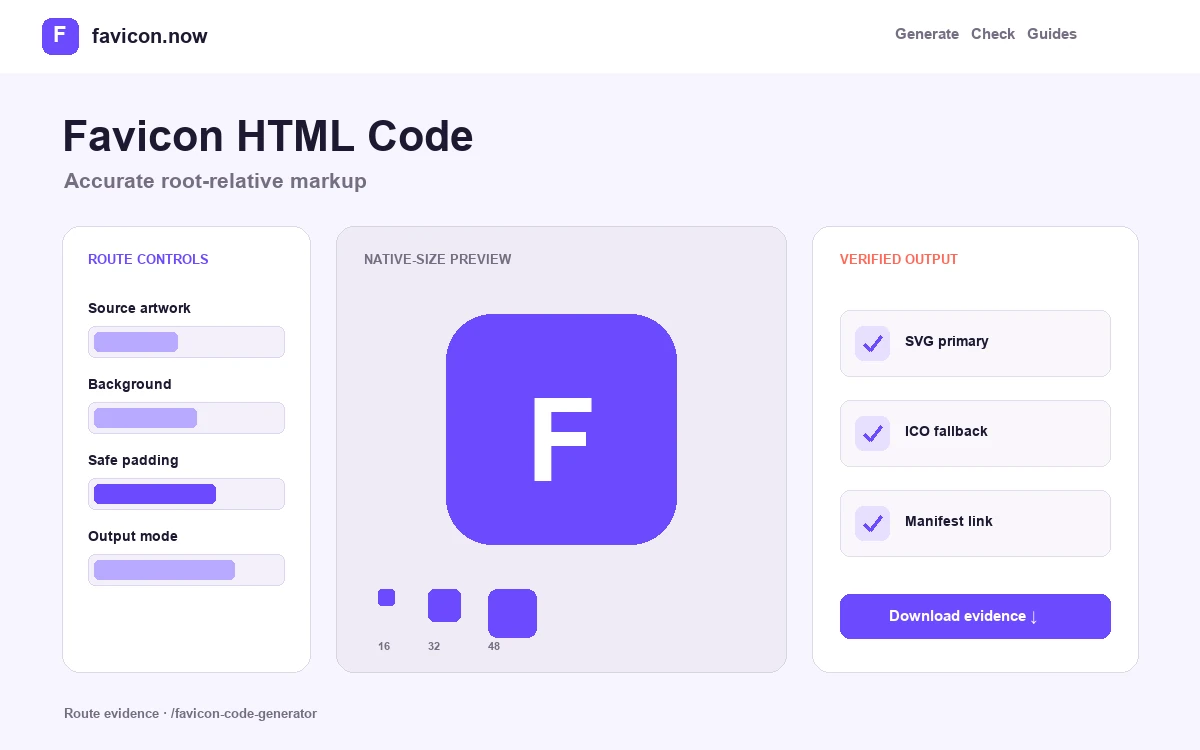
Generate one accurate favicon declaration stack
The generator assembles standards-based link elements for the files you actually ship. Each line describes a separate candidate or surface: scalable browser artwork, raster browser fallback, conventional ICO, Apple touch icon, or web app manifest. Removing unused lines is safer than publishing a long contradictory stack.
Choose the base path by deployment
Use / when files live at the hostname root. Use /assets/icons/ for a stable public directory, a repository prefix for a subpath deployment, or an absolute HTTPS origin when a CDN owns the files. Confirm the generated URL from a deeply nested page.
Keep attributes honest
type must match the response format, and sizes must match the image dimensions. SVG uses sizes="any" because it scales; the Apple line names its dedicated 180×180 image; the manifest link points to JSON rather than an icon.
Install in shared document metadata
Paste the snippet inside the shared head used by every indexable page. Avoid adding the same candidates from a framework convention, plugin, theme, and manual template at once—inspect final rendered HTML for duplicates.
Common path failures the snippet cannot hide
A relative path without a leading slash can resolve below the current page, so an icon may work on / and fail on /products/example. A root-relative path can fail when the whole application is intentionally hosted below /project/. A hard-coded HTTP URL can be blocked on an HTTPS page. Select a base path that describes production, not the source directory on your computer.
Markup also cannot create missing files. After deployment, request every generated href directly and verify status, final URL, Content-Type, dimensions, and cache headers. Check the manifest and each manifest icon independently.
A lean modern output matrix
Use SVG as the crisp browser candidate when available, a 48×48 PNG and multi-frame root ICO as raster and compatibility fallbacks, a 180×180 Apple touch icon, and a manifest containing ordinary and maskable 192×192 and 512×512 PNGs. Add historical standalone sizes only for a documented client requirement.
Read the full HTML reference →Favicon HTML questions
Where exactly does the generated HTML go?+
Inside the shared document head used by every indexable page—the root layout, inherited base template, theme header, or global metadata configuration. Then inspect the final rendered HTML to confirm no plugin or framework convention adds conflicting candidates.
Should I declare files I have not uploaded yet?+
No. Publish declarations only for files that actually exist at the generated URLs. A link element pointing at a 404 makes debugging harder and wastes the browser’s candidate evaluation.
Do I need every historical size attribute?+
No. A lean modern stack—SVG with sizes="any", one 48×48 PNG, a multi-frame ICO, a 180×180 Apple touch icon, and a manifest—covers current browsers. Add legacy standalone sizes only for a documented client requirement.
Why root-relative paths instead of relative ones?+
A path like /favicon.svg resolves identically from every page depth. A relative path such as favicon.svg resolves against the current URL, so it can work on the homepage and silently break on /products/example.
From favicon idea to verified deployment
Follow one clear path through creation, inspection, installation, and troubleshooting.