
PNG to ICO Converter
Convert a PNG into a multi-resolution ICO, SVG fallback, browser PNGs, Apple touch icon, and maskable PWA package with live previews.
This is how a clear favicon helps your result feel recognizable.
Convert PNG artwork into more than one ICO file
Upload a transparent or full-background PNG at 512×512 pixels or larger. The studio lets you control containment, safe padding, background treatment, and the crop before exporting small browser frames.
The download includes a multi-resolution favicon.ico with 16, 32, 48, 64, 128, and 256 pixel frames alongside the modern files required by Apple shortcuts and installable web apps.
Measure the PNG rather than trusting its filename
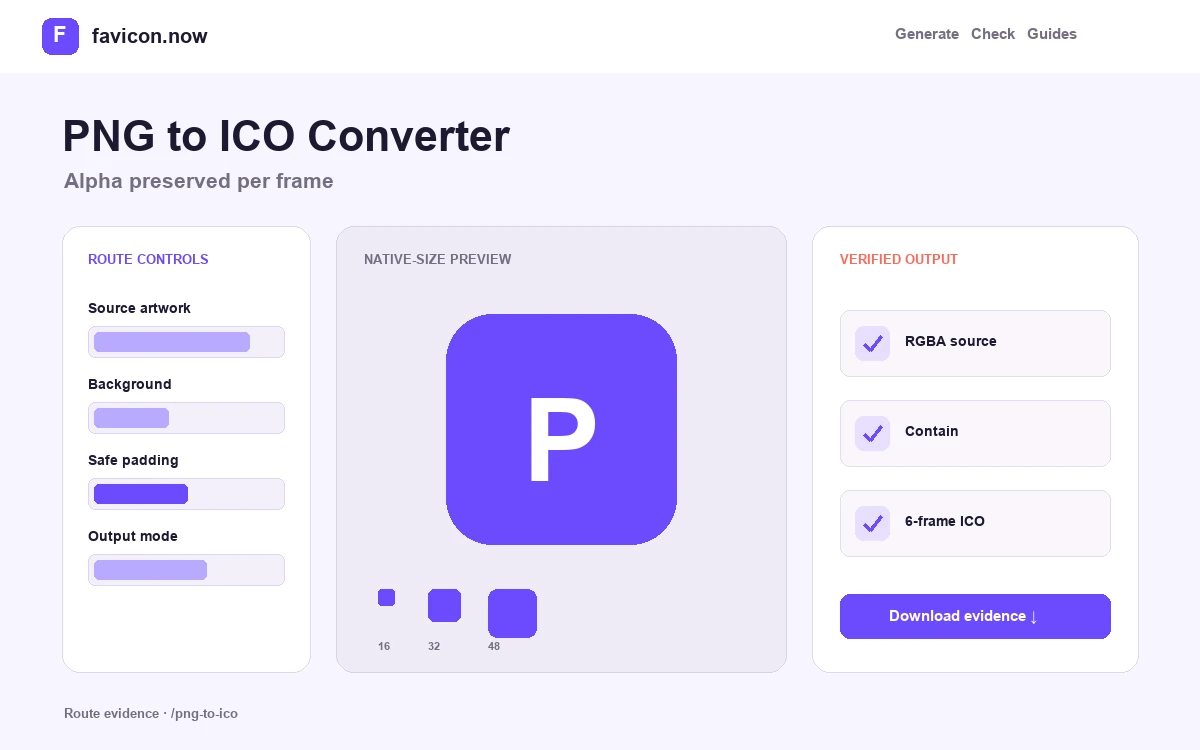
The upload preview exposes the real crop and alpha behavior. Start from at least 512×512 pixels when possible; a small source can be placed into larger frames, but upscaling cannot restore lost edges or typography.
Preserve alpha through every ICO frame
Transparent PNG pixels can remain transparent inside ICO. Switch between light and dark previews to catch pale halos, semitransparent borders, and marks that disappear without their original page background.
Compare contain and cover before export
Contain keeps the complete source and its aspect ratio. Cover fills the square by cropping. For logos, contain is normally safer; for photographs or full-bleed artwork, a deliberate cover crop can make the subject readable at tab size.
1024×1024 transparent RGBA PNG
Square · alpha retained · native 16px preview
Six-frame ICO with lossless PNG and app-icon companions
PNG to ICO Converter output matrix
favicon.ico6 embedded sizesBrowser and desktop fallbackfavicon-48x48.pngExplicit raster candidateBrowser and search contextsapple-touch-icon.png180×180 PNGApple shortcutsProtect PNG transparency through every ICO frame
A PNG-to-ICO conversion succeeds when the alpha edge, composition, and real small frames remain correct. The input filename and large preview do not prove any of those properties.
Measure the decoded PNG
Check its actual pixel dimensions and alpha channel. A 32-pixel source can be enlarged, but it cannot supply the clean edge detail expected from a 512-pixel or vector master.
Compare alpha on two backgrounds
Open the generated 16- and 32-pixel frames on both light and dark fields. Look for white mattes, dark fringes, and nearly invisible marks before accepting the package.
Inspect the ICO container
Confirm that the downloaded ICO exposes all listed frame sizes and that each frame decodes. Then retain the separate PNG and Apple outputs for surfaces that do not consume ICO.
If the mark needs a background to stay visible, compose that field before export. Alpha is a file capability, not proof that a transparent design works in browser chrome.
Inspect every embedded ICO frame →PNG to ICO Converter FAQ
Does PNG transparency survive ICO conversion?+
Yes. Inspect semitransparent edges on contrasting backgrounds before download.
Can I convert a 32×32 PNG into a good 256×256 icon?+
It can be enlarged, but it will not gain real detail. Use the original vector or a larger raster master.
Why include PNG files when I already have ICO?+
Apple, PWA, manifest, and explicit browser surfaces use separate PNG assets and dimensions.
From favicon idea to verified deployment
Follow one clear path through creation, inspection, installation, and troubleshooting.