
Apple Touch Icon Generator
Compose and download a dedicated 180×180 Apple touch icon with controlled background, padding, crop, and native home-screen preview.
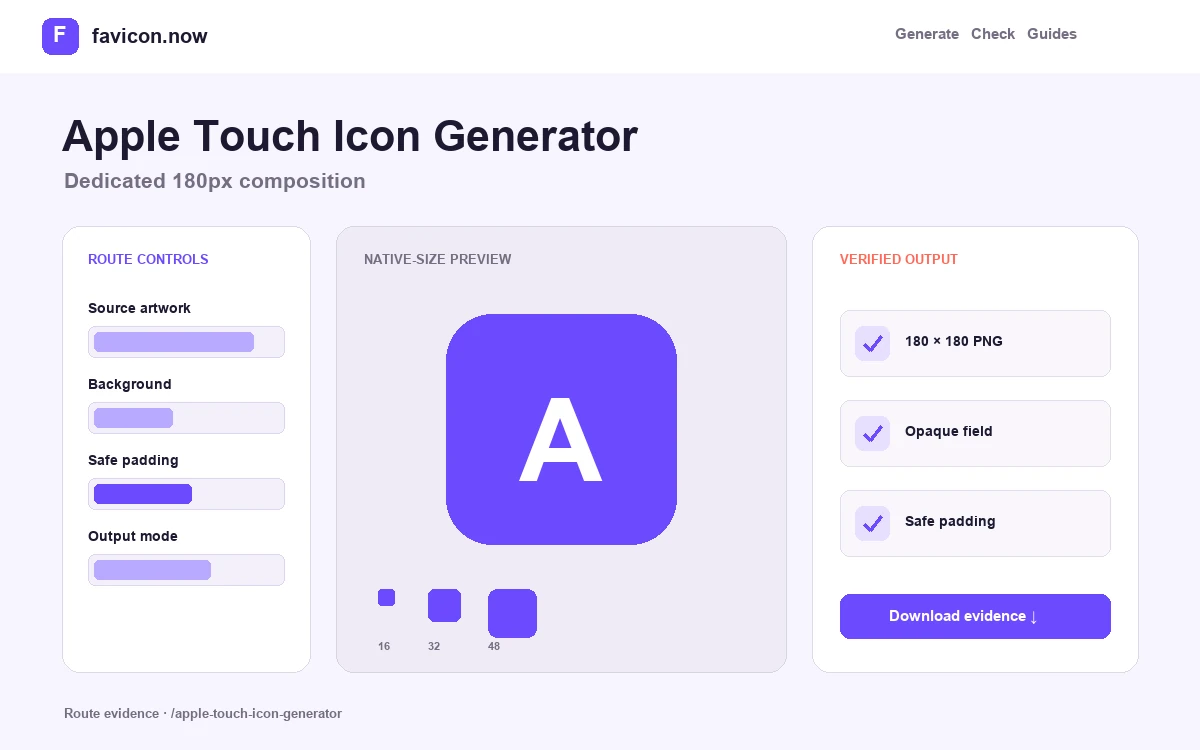
Build a dedicated Apple composition, not a renamed browser icon
Apple touch artwork is a separate 180-pixel surface that benefits from an opaque field, deliberate safe spacing, and a recognizable central mark. This tool exports that exact PNG rather than relabeling a transparent tab favicon.
Choose contain or cover deliberately
Contain preserves the complete source and adds controlled surrounding space. Cover fills the square by cropping source edges. Use contain for most symbols and wordmark reductions; use cover only when the subject remains identifiable after the crop.
Set an intentional opaque field
The exported PNG includes the selected background. This prevents transparent corners from exposing an unintended system treatment and gives the mark a stable identity when saved to a home screen.
Protect optical spacing
Start near twelve percent padding, then judge the preview rather than the number. Round marks, sharp corners, and asymmetrical symbols need different visual spacing even when their geometric bounds are identical.
Exact output and installation
The download is a true 180×180 PNG named apple-touch-icon.png. Upload it to a stable public URL, keep the filename consistent, and add the following declaration inside the shared document head:
<link rel="apple-touch-icon" href="/apple-touch-icon.png" sizes="180x180">Request the deployed URL directly and confirm HTTP 200, image/png, and decoded dimensions of 180×180. Saving a shortcut on a real target device remains the final presentation check because the browser or operating system controls the surrounding interface.
Worked acceptance test
- Upload the cleanest square or vector brand source available.
- Compare contain and cover while watching which defining edges are lost.
- Set a background that belongs to the identity rather than relying on transparency.
- Increase padding until the mark remains balanced in the native home-screen preview.
- Download, deploy, inspect the public response, and save a fresh shortcut for manual confirmation.
This generator proves the output dimensions and composition shown in the browser. It cannot clear an existing home-screen shortcut, force a device refresh, or guarantee how a future Apple interface will present surrounding masks and effects.
Apple touch icon questions
Can I reuse favicon.ico as an Apple touch icon?+
Use a dedicated PNG instead. ICO is a compatibility container for other clients and does not provide the intentional 180-pixel composition expected here.
Should the Apple touch icon be transparent?+
An opaque, full square is more predictable. Transparent pixels can produce an unintended background treatment when the shortcut is presented.
Do I need every historical Apple size?+
One well-designed 180×180 file is the practical modern default unless analytics or a documented client requirement justifies additional assets.
From favicon idea to verified deployment
Follow one clear path through creation, inspection, installation, and troubleshooting.