
Web App Manifest Validator
Validate a manifest before deployment. Check syntax, app identity, colors, start URL, ordinary icons, 192 and 512 pixel coverage, and maskable purpose declarations.
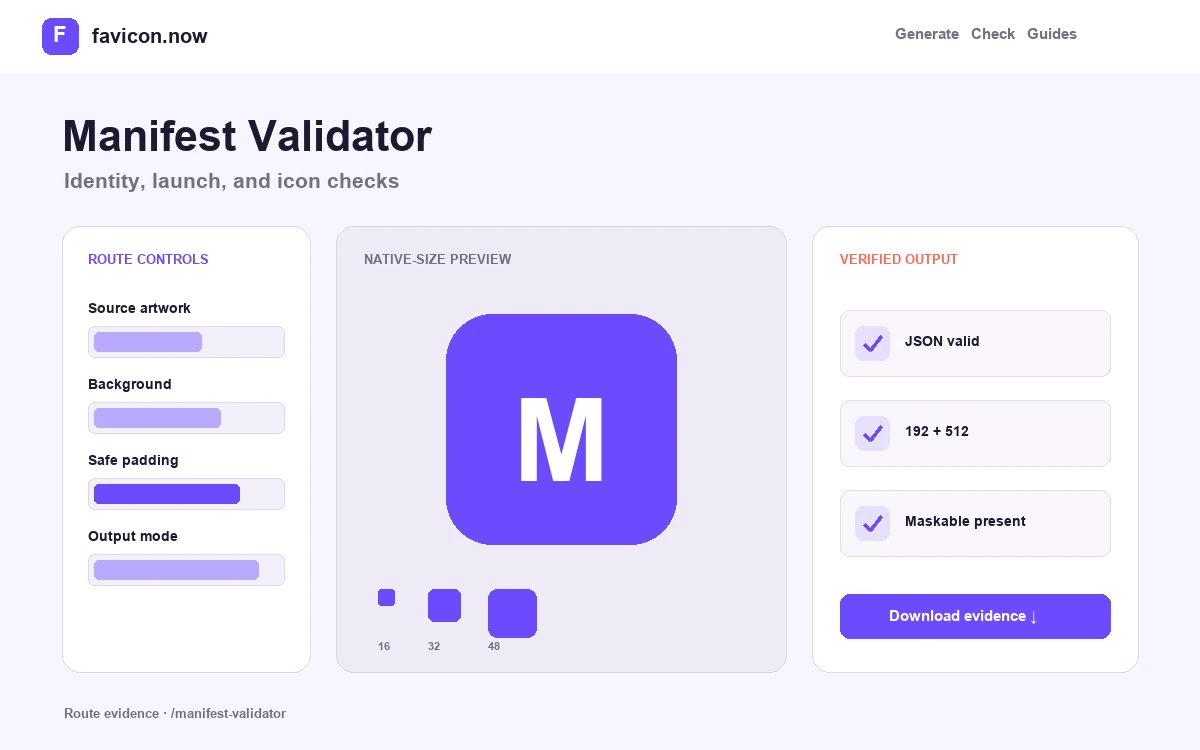
Validate the manifest declaration before testing delivery
A web app manifest is a JSON contract between the site and an installing browser. This validator checks whether the document parses, whether identity and display fields have useful values, and whether the icon array declares the ordinary and maskable assets expected by modern install surfaces.
Identity and launch fields
Name and short_name label the installed experience; start_url determines where it opens; display controls browser chrome; theme_color and background_color affect surrounding UI. Syntax can be valid while an empty or unintended value still produces a poor installation.
Icon object accuracy
Every icon needs a resolvable src plus honest sizes and type values. The practical baseline is 192×192 and 512×512 PNG coverage. Maskable artwork should use a separate full-bleed composition and purpose value rather than relabeling a transparent ordinary icon.
Severity and next action
Errors identify invalid JSON or unusable core structures. Warnings identify missing recommended coverage or suspicious declarations that may still parse. Fix errors first, then decide whether each warning applies to the install surfaces the product supports.
Why valid JSON is only half of a production audit
Local validation cannot prove that a relative icon path resolves on the final hostname, that its response is HTTP 200 with an image MIME type, or that the pixels match the declared dimensions. Paths resolve from the manifest’s own public URL, which is easy to overlook when the file lives in a nested assets directory.
After deployment, request the manifest directly, follow each resolved icon URL, inspect the real images, and verify the page links to the intended manifest. Service workers and CDN caches can preserve an older file even when the source repository is correct.
Validator boundaries
The tool evaluates supplied JSON in the browser. It does not install the app, emulate every browser’s product-specific heuristics, or fetch remote files from pasted content. Use the live favicon checker for transport and image evidence, then conduct an actual installation test on the platforms your audience uses.
Manifest validator questions
Why does my valid manifest still not trigger an install prompt?+
Valid JSON is necessary but not sufficient. Browsers also require HTTPS, resolvable icons of adequate size, and their own engagement or service-worker criteria. Validate first, then test an actual installation on the target platform.
What is the difference between an error and a warning here?+
Errors mean the JSON cannot be parsed or a core structure is unusable. Warnings flag missing recommended coverage—like absent 512×512 or maskable icons—that may still matter for the surfaces you support. Fix errors first, then judge each warning.
Does the validator fetch my icon files?+
No. It analyzes the supplied JSON in your browser and cannot prove a src resolves on your hostname or returns real image bytes. Use the live favicon checker after deployment for transport and image evidence.
Can I validate a manifest.json from a framework build?+
Yes. Paste the generated output or upload the file. Remember that paths resolve from the manifest’s deployed URL, so a build that rewrites asset paths needs the final published JSON validated, not the source template.
From favicon idea to verified deployment
Follow one clear path through creation, inspection, installation, and troubleshooting.