
ICO Inspector
Open favicon.ico without installing software and inspect the frame count, exact dimensions, color modes, square validity, and file weight.
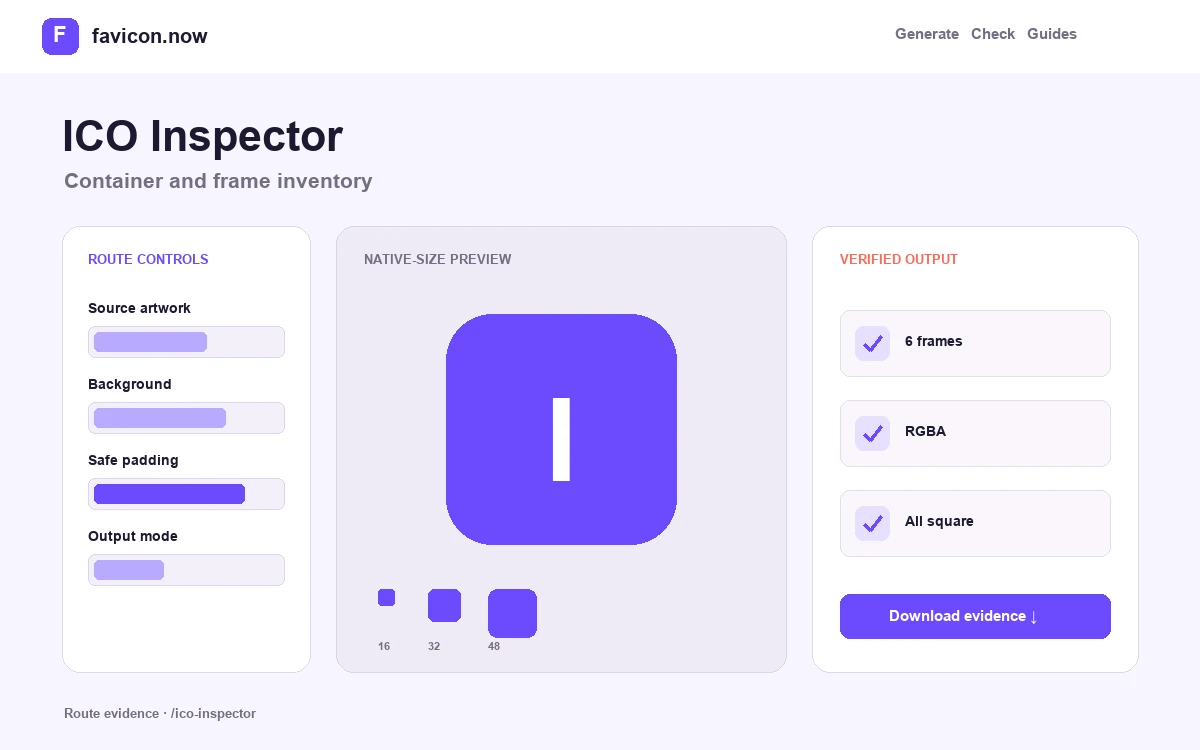
Read the ICO directory before trusting the preview
Many image viewers show only one embedded ICO frame. The inspector enumerates the container so you can see the actual frame count, width, height, color mode, square status, and overall file weight. That evidence distinguishes a real multi-resolution favicon from a renamed bitmap or a container with only one oversized image.
Directory and frame coverage
Small browser contexts benefit from 16×16 and 32×32 frames, with 48×48 providing a useful higher-density and search-oriented fallback. Larger 64, 128, and 256 pixel frames can support desktop surfaces, but their presence does not compensate for missing small artwork.
Dimensions, modes, and alpha
Every frame should be square and decodable. RGBA output indicates an alpha-capable decoded image, while older palette or mask-based frames deserve visual inspection against contrasting backgrounds. Declared dimensions are checked against what the image decoder can open.
Corruption and false confidence
An empty directory, truncated frame, impossible offset, non-square image, or decoder failure can make the ICO unreliable even when an operating-system thumbnail happens to show one valid frame. Review all rows, not only the largest preview.
How to act on an ICO inspection report
If 16×16 and 32×32 are missing, return to a clean high-resolution or vector master and create a new multi-frame file. If one frame fails while others open, replace the whole container rather than depending on clients to avoid the damaged entry. If all frames are sound but a live site still fails, test the public URL, MIME type, redirect chain, and cache behavior with the favicon checker.
The inspector analyzes a local file in memory. It does not prove that the same bytes were deployed, that a page declares the URL, or that a browser selected this candidate. Those are separate discovery and transport questions, which is why local binary inspection and public-site checking belong in the same release workflow.
ICO inspector questions
How many frames should favicon.ico contain?+
A practical browser ICO carries 16×16 and 32×32 frames, commonly adding 48×48. Larger 64, 128, and 256 pixel frames serve desktop surfaces but cannot substitute for missing small artwork.
The inspector says my ICO is not valid — but it displays fine. Why?+
Many viewers render the first decodable frame and hide structural problems. A truncated directory, impossible offset, or corrupt entry can still break other clients, so replace the container rather than trusting one preview.
What does a non-square frame mean?+
Favicon surfaces expect square artwork. A non-square frame usually indicates a renamed or misexported file; recompose the source on a square canvas and rebuild the ICO.
Does inspection prove my website’s favicon works?+
No. It proves the local file’s structure. Whether the same bytes are deployed, declared in HTML, and served with the right MIME type are separate questions—use the live favicon checker for those.
From favicon idea to verified deployment
Follow one clear path through creation, inspection, installation, and troubleshooting.