Favicon Extractor and Icon Downloader
Discover the SVG, ICO, PNG, Apple, PWA, and manifest icons a public website actually exposes, then download the working files with their source URLs and audit report.

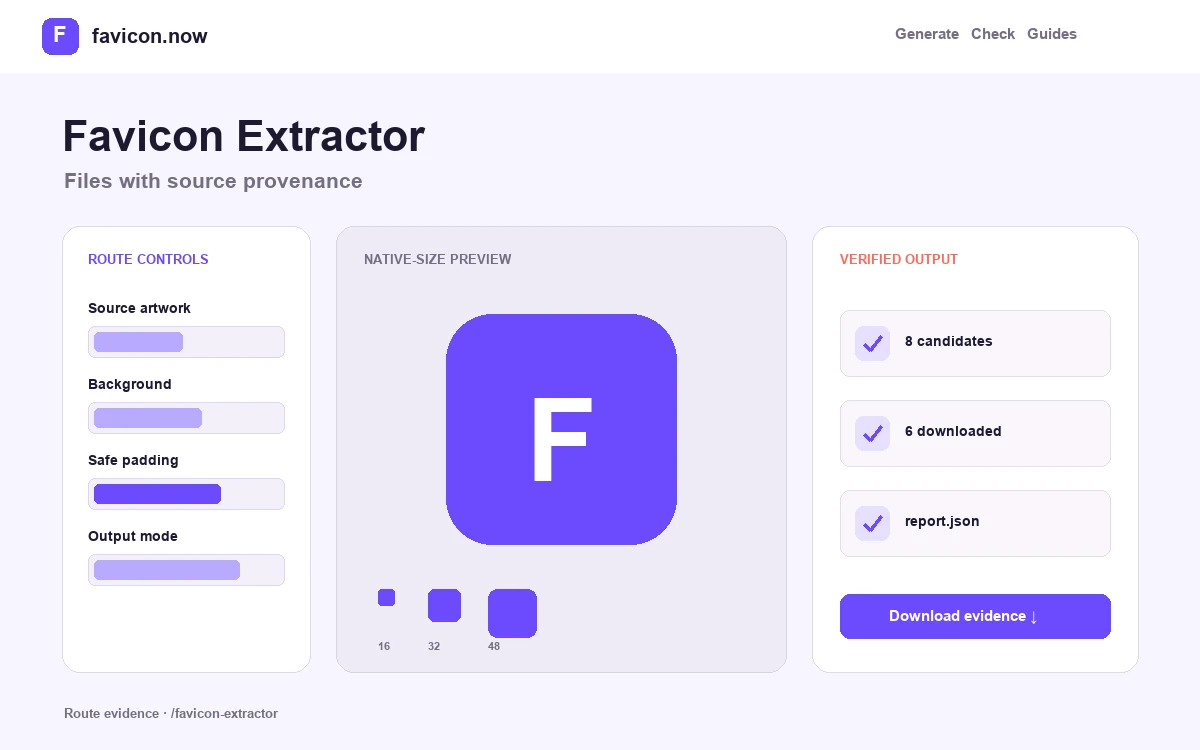
What the favicon extractor discovers and downloads
The extractor follows public icon declarations from the submitted page and its web app manifest, then packages the files it can retrieve with an inventory of their original URLs. It is designed for migration, research, and asset recovery—not for bypassing access controls or guessing private files.
Discovery order and provenance
The report separates explicit rel=icon candidates, Apple touch icons, manifest entries, and the conventional root favicon.ico probe. Source URLs stay attached to each result, so you can tell whether an icon came from page metadata, a manifest, or a fallback request.
Downloadable archive contents
Successfully retrieved public SVG, ICO, PNG, and other declared image files are saved with collision-safe names. The archive also contains a report that records final URLs, response details, detected formats, dimensions where available, and retrieval errors.
Public-network safety boundary
Localhost, private address ranges, and non-public destinations are blocked. Redirects are checked as part of the request chain. The tool does not sign in, execute page JavaScript, access a CMS media library, or recover an icon available only to an authenticated session.
How to use an extracted favicon package responsibly
The existence of a publicly downloadable image does not transfer copyright or trademark permission. Use extraction to recover assets you control, document a compatibility review, or inspect how a site declares icons. Obtain permission before reusing another organization’s artwork.
Review the inventory before deployment. A source site may expose obsolete, duplicate, low-resolution, or broken candidates alongside the current icon. Choose the file supported by the report, inspect its actual pixels, and generate a fresh controlled package when the extracted set lacks Apple, PWA, maskable, or multi-frame ICO coverage.
What the extractor cannot prove
A successful download proves that the tested public URL returned bytes at that moment. It does not prove that a browser selected the asset, that a search engine will display it, or that an old cached icon has refreshed. Inline data URLs, icons injected only after client-side execution, bot-specific responses, and files behind authentication can fall outside the discovery model.
Run the live checker to score discovery, transport, image validity, manifest coverage, and search-ready candidates.
Open the favicon checker →Favicon extractor questions
Is it legal to download another website’s favicon?+
Public availability does not transfer copyright or trademark permission. Use the extractor for assets you control, authorized migrations, recovery of your own files, or technical research, and obtain permission before reusing anyone else’s artwork.
Why did the extractor find fewer icons than the page seems to use?+
The tool follows public declarations and the conventional root probe without executing page JavaScript. Icons injected by client-side code, inline data URLs, bot-specific responses, and files behind authentication fall outside its discovery model.
Can I extract icons from a staging or intranet site?+
No. Localhost, private address ranges, and non-public network destinations are blocked by design. The extractor only requests publicly reachable URLs and never signs in to the submitted website.
What is inside the downloaded archive?+
Every successfully retrieved public icon file with a collision-safe name, plus a report recording each source URL, final resolved URL, response details, detected format, and any retrieval errors—so provenance stays attached to every asset.
From favicon idea to verified deployment
Follow one clear path through creation, inspection, installation, and troubleshooting.