
SVG to Favicon Converter
Convert a self-contained SVG into a preserved vector favicon, multi-size ICO, browser PNGs, Apple touch icon, and maskable PWA assets.
This is how a clear favicon helps your result feel recognizable.
Preserve clean vector artwork and verify every raster fallback
SVG is an excellent browser favicon source when it has an explicit viewBox, embedded styling, and no dependency on remote fonts or images. The uploader rejects active content and keeps a sanitized source while rendering the same composition for raster outputs.
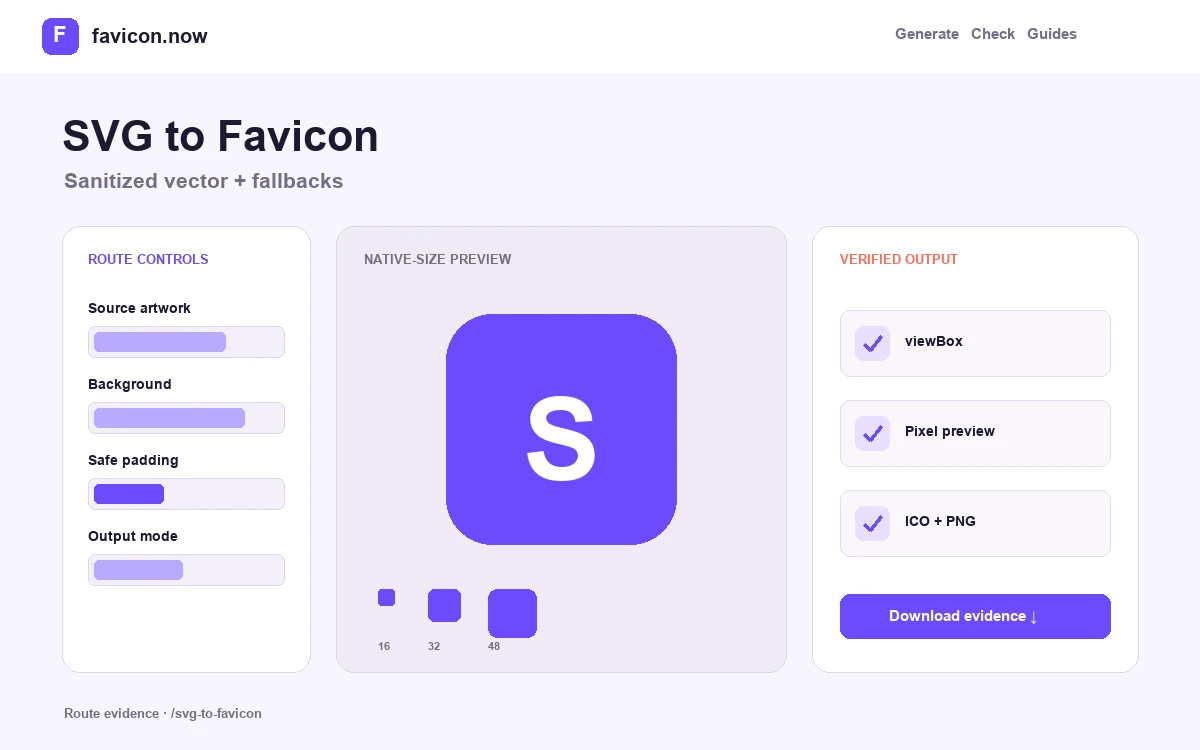
Vector precision does not guarantee a readable tab icon. Thin strokes and fractional coordinates can blur during rasterization, so compare native 16-, 32-, and 48-pixel previews and simplify geometry before shipping the package.
Make the SVG self-contained
Embed fills, strokes, and essential styles. External stylesheets, remote images, scripts, and font dependencies are unreliable in favicon contexts and create unnecessary security risk.
Define a useful viewBox
A tight square viewBox controls the artboard and scaling behavior. Remove accidental whitespace, then add intentional safe padding in the editor instead of relying on an oversized source canvas.
Inspect pixel alignment
Straight one-pixel features can soften when vector edges land between raster pixels. Adjust stroke weight or geometry until the generated 16×16 and 32×32 frames retain their intended structure.
Inspect the source for a square viewBox, embedded presentation, and the absence of scripts, event handlers, remote images, external stylesheets, and font dependencies. Rasterize it at 16, 32, and 48 pixels and compare straight edges, close gaps, and thin strokes. Save the sanitized SVG beside a frame inventory for the ICO fallback so a later edit can distinguish vector-source changes from rasterization or deployment errors.
Publish the vector source with inspected raster fallbacks
The sanitized SVG preserves scalable geometry, while ICO and PNG files show how that geometry actually lands on small pixel grids. Both parts matter: a technically valid vector can still produce weak 16-pixel edges.
Keep the SVG self-contained
Retain the square viewBox and embedded presentation. Confirm that scripts, event handlers, remote images, stylesheets, and font dependencies are absent from the downloaded source.
Review rasterization artifacts
Compare thin strokes, sharp diagonals, and narrow gaps in the 16-, 32-, and 48-pixel outputs. Adjust the source geometry when antialiasing merges details.
Declare vector and fallback roles
Publish favicon.svg as the scalable candidate and favicon.ico or PNG as explicit fallbacks. Ensure the type and sizes attributes describe the actual response at each URL.
A clean viewBox and simple paths matter more than a large coordinate system. Judge the exported pixels, not the zoomed artwork in a vector editor.
Read the SVG implementation guide →SVG to favicon FAQ
Can SVG be the only favicon file?+
Modern browsers can use it, but PNG and ICO fallbacks still cover older clients, crawlers, desktop software, and non-browser surfaces.
Does the converter preserve my SVG?+
It preserves a sanitized, self-contained source when safe. The package also renders raster files from the approved square composition.
Why does a crisp SVG look blurry at 16 pixels?+
Vector edges still have to map onto a tiny pixel grid. Thin strokes, close gaps, and fractional positions can antialias into soft or merged shapes.
From favicon idea to verified deployment
Follow one clear path through creation, inspection, installation, and troubleshooting.