
SVG to ICO Converter
Convert SVG artwork into a preserved favicon.svg, multi-resolution ICO, browser PNGs, Apple touch icon, and maskable PWA package.
This is how a clear favicon helps your result feel recognizable.
Preserve the vector source and build dependable raster fallbacks
Upload a self-contained SVG with a viewBox and no external scripts, fonts, or remote images. Favicon.now sanitizes and preserves the vector source while rendering the square used for the ICO and PNG outputs.
The ICO contains multiple embedded raster frames for small browser and desktop contexts. The package also includes Apple touch, ordinary PWA, maskable PWA, manifest, and installation files so the conversion is production-ready.
Inspect the SVG before rasterizing it
A dependable source has a square viewBox, embedded fills and strokes, and no remote fonts, scripts, stylesheets, or images. The converter preserves a sanitized vector source, but every ICO frame is raster output and must still be judged on a pixel grid.
Build a real multi-frame ICO
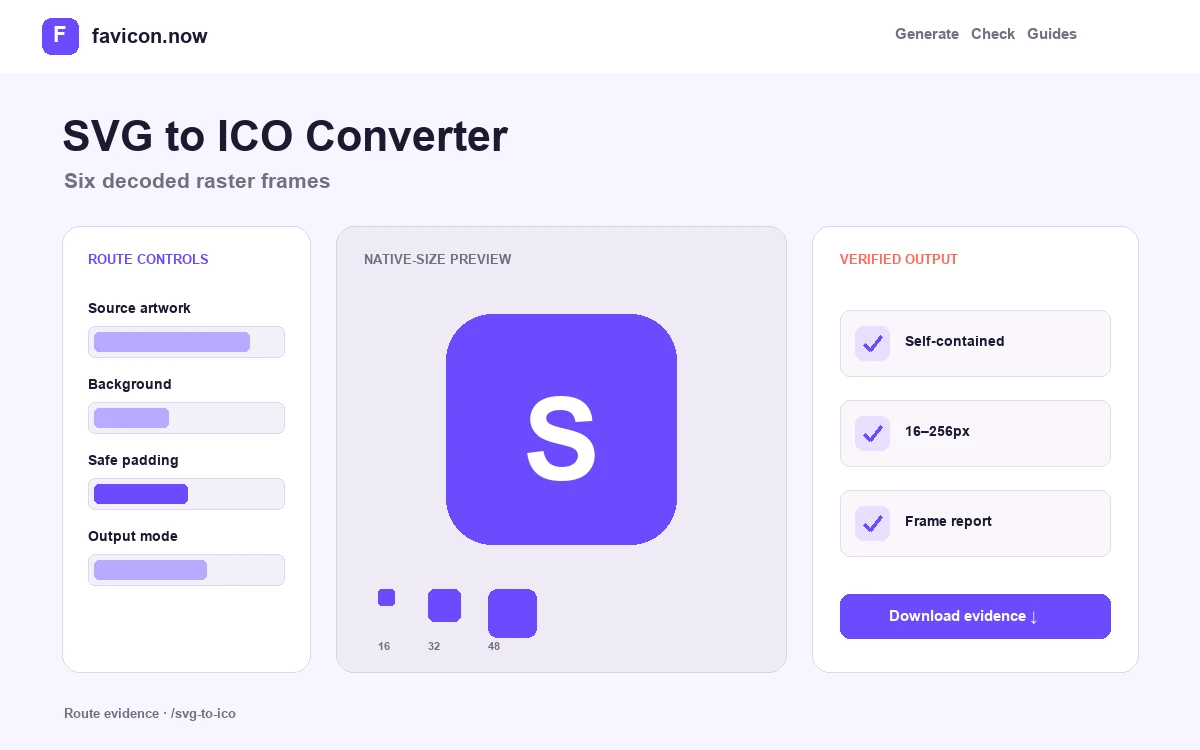
The ICO embeds 16, 32, 48, 64, 128, and 256 pixel frames. Small frames are decoded and reported individually, so the result is not a single large bitmap renamed with an .ico extension.
Keep the vector and fallback roles separate
Use favicon.svg as the scalable browser candidate and favicon.ico as the compatibility container. The package also supplies PNG, Apple, ordinary PWA, and maskable assets instead of asking one format to cover every surface.
Square SVG with viewBox 0 0 512 512
Self-contained markup · no active content · 6 ICO frames
Preserved SVG plus documented ICO, PNG, Apple, and PWA outputs
SVG to ICO Converter output matrix
favicon.svgSanitized vector sourceModern browser candidatefavicon.ico16–256px embedded framesCompatibility and root probeico-report.jsonFrame inventoryRepeatable validationValidate the ICO as raster output, not as renamed SVG
ICO cannot preserve vector paths. This workflow keeps favicon.svg as the editable scalable source and builds a separate container whose embedded frames can be decoded and measured one by one.
Audit the source boundary
Confirm the SVG has a square viewBox, internal fills and strokes, and no active or remote content. Fix clipped geometry and accidental canvas whitespace before rasterization.
Read the frame inventory
Use ico-report.json or the ICO Inspector to confirm that 16, 32, 48, 64, 128, and 256 pixel images are truly embedded. Open the smallest two frames instead of judging only the 256-pixel preview.
Publish both format roles
Declare the SVG as a modern scalable candidate and keep the multi-frame ICO available at a stable compatibility URL. Verify both responses independently after deployment.
When a tiny frame looks soft, revise stroke weight or spacing in the SVG and regenerate. Increasing the ICO canvas alone cannot repair unsuitable geometry.
Understand the ICO directory and frames →SVG to ICO Converter FAQ
Will the ICO remain vector?+
No. ICO frames are raster images. The separate favicon.svg retains the scalable source.
Why does my SVG fail validation?+
Scripts, event handlers, external resources, or an unusable viewBox make a favicon source unsafe or unreliable.
Which frame should look best?+
Prioritize 16×16 and 32×32 because they expose thin strokes and closed gaps that a large preview hides.
From favicon idea to verified deployment
Follow one clear path through creation, inspection, installation, and troubleshooting.