
Maskable Icon Generator
Generate 192×192 and 512×512 maskable PWA icons, preview the adaptive safe zone, and download a manifest with correct purpose declarations.
This is how a clear favicon helps your result feel recognizable.
Protect important artwork from adaptive icon crops
Maskable icons let an operating system crop artwork into a circle, rounded square, squircle, or platform-specific silhouette. Essential details need to remain inside the central safe zone shown in the preview.
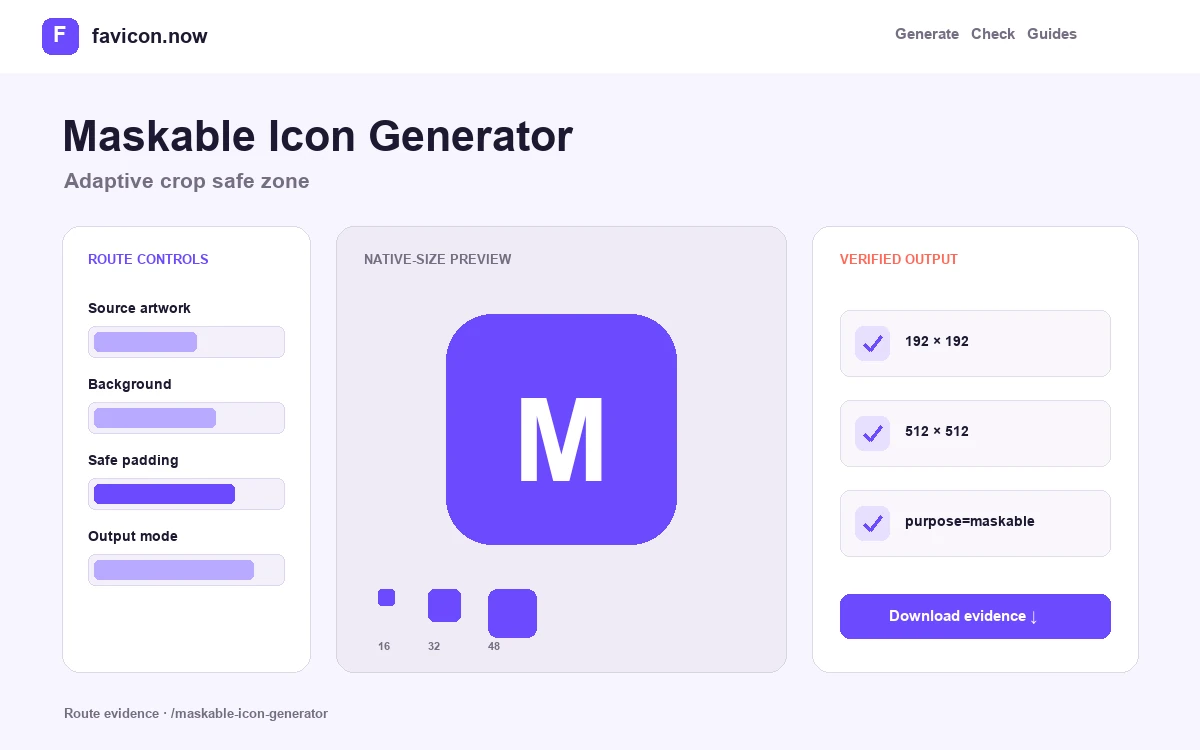
The package creates separate maskable 192×192 and 512×512 PNGs and declares purpose=maskable in site.webmanifest. It also retains ordinary any-purpose icons, because one composition is not always ideal for both roles.
Keep essential artwork inside the safe zone
Maskable icons are intentionally cropped into shapes chosen by the operating system. The protected center should contain the complete recognizable mark; background color or texture can extend to every edge.
Generate separate any and maskable purposes
An ordinary transparent icon and a full-bleed maskable icon solve different jobs. The manifest should reference separate files with honest purpose values instead of declaring one compromise image as both without testing it.
Preview more than one adaptive silhouette
Use the central guide as the minimum contract, then consider circle, rounded-square, and squircle crops. A composition that survives only one outline is not robust enough for platform-controlled presentation.
512×512 logo with full-bleed background
Central safe zone · edge coverage · any/maskable separation
192px and 512px maskable assets plus correct manifest purpose
Maskable Icon Generator output matrix
maskable-icon-192x192.pngFull-bleed adaptive iconCompact install surfacemaskable-icon-512x512.pngLarge adaptive iconInstall and splash surfacessite.webmanifestpurpose=maskable entriesBrowser discoveryShip ordinary and maskable icons as separate compositions
A maskable icon gives the operating system permission to crop its outer area. The manifest keyword is only metadata; the pixels must also contain a full-bleed field and keep all meaningful artwork inside the protected center.
Test more than one crop
Inspect circle, rounded-square, and squircle outcomes. Only expendable color or texture should sit outside the safe area; letters, faces, and defining symbol edges belong inside it.
Keep an ordinary companion
Export any-purpose 192- and 512-pixel icons alongside separately composed maskable files. Transparent ordinary artwork should not be silently relabeled as adaptive.
Validate manifest resolution
Confirm the manifest parses, every src resolves from the manifest URL, sizes match decoded PNGs, and each purpose value describes the intended composition.
Moving important artwork inward is more reliable than hoping every launcher uses the same rounded-square crop.
Validate sizes, URLs, and purpose values →Maskable Icon Generator FAQ
What belongs outside the maskable safe zone?+
Only expendable background treatment. Keep text, faces, symbols, and defining edges inside the protected center.
Can one file use purpose any maskable?+
The syntax exists, but separate compositions are usually easier to validate and optimize.
Which mask shapes should I test?+
At minimum, inspect circular and rounded-square crops in addition to the safe-zone overlay.
From favicon idea to verified deployment
Follow one clear path through creation, inspection, installation, and troubleshooting.