
Quick answer
Export apple-touch-icon.png at 180×180 and link it with rel=apple-touch-icon. A root file with the conventional name also provides a discovery fallback.
- Last verified
- July 31, 2026
- Evidence
- Primary documentation plus transparent editorial analysis
- Primary sources
- 1
The useful default
Export apple-touch-icon.png at 180×180 and link it with rel=apple-touch-icon. A root file with the conventional name also provides a discovery fallback.
Connected next stepFavicon Security: SVG Uploads, SSRF and Tracking for the closest prerequisite or comparison.
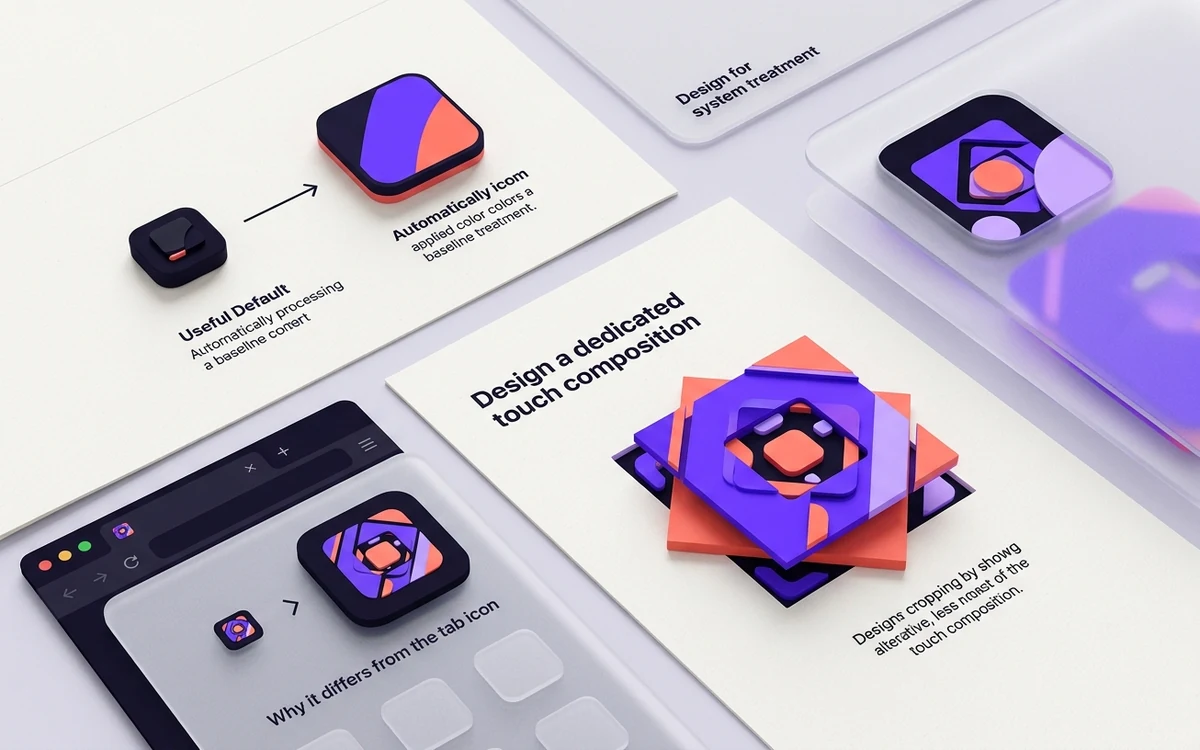
Design for system treatment
Use a full square background and keep important content away from the corners. The system can apply rounded masking; do not bake platform chrome into the artwork.
Connected next stepFavicon History: From IE5 to Modern Browser Support for the next connected implementation decision.
Why it differs from the tab icon
A touch icon renders much larger and benefits from richer spacing, while the 16×16 tab icon may need simplified geometry.
Connected next stepGenerate the 180×180 Apple asset and verify the decision with a working output.
Design a dedicated touch composition
Use a 180×180 PNG with a deliberate background and enough edge space for platform treatment. A transparent tab symbol can appear undersized or acquire an unexpected field when saved to a home screen.
Avoid embedding rounded corners solely to imitate one device shape. Let the system apply its current mask and keep the important mark inside a conservative central area.
Test the saved shortcut, not only the browser tab
Declare the file with rel=apple-touch-icon, publish it at a stable URL, then add the site to a real home screen. An already saved shortcut may retain older artwork after the website changes.
Record the device and OS version used for verification. Safari tab behavior, pinned tabs, and touch shortcuts are separate surfaces with different asset selection rules.
Apply this guide with the relevant tools
Use the smallest tool that verifies the specific decision described above. Each destination keeps the source format, deployment evidence, or platform purpose explicit.
Review the headings, sources, implementation artifact, and update record for this guide as structured JSON.
Download guide evidence ↓- Guide
- Apple Touch Icons: Size, Markup, and Cropping
- Coverage
- Client behavior can change by browser, operating system, platform version, cache state and deployment configuration. Unperformed manual observations are not claimed.
Questions, answered
Can it be SVG?+
Use PNG for the Apple touch icon.
Do I need apple-touch-icon-precomposed?+
It is a legacy convention and generally unnecessary for modern sites.