
Quick answer
Shopify recommends a square favicon at 16×16 or 32×32 pixels and resizes a larger upload to 32×32. Start from clean artwork with a strong silhouette rather than a photograph or full store wordmark.
- Last verified
- July 31, 2026
- Evidence
- Primary documentation plus transparent editorial analysis
- Primary sources
- 1
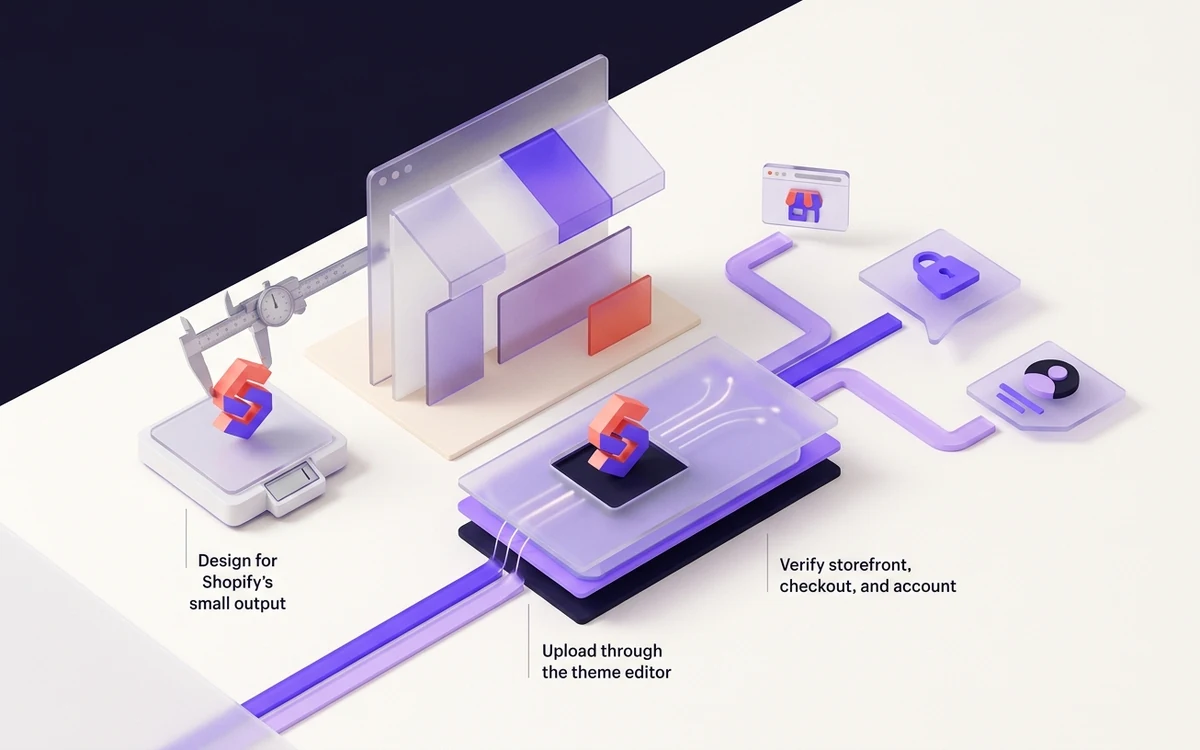
Design for Shopify’s small output
Shopify recommends a square favicon at 16×16 or 32×32 pixels and resizes a larger upload to 32×32. Start from clean artwork with a strong silhouette rather than a photograph or full store wordmark.
Because the delivered browser icon is tiny, extra resolution cannot rescue fine detail. Check the mark at native size and use a simple background that remains clear in both light and dark browser chrome.
Connected next stepWordPress Favicon Guide: Add, Replace & Fix Site Icons for the closest prerequisite or comparison.
Upload through the theme editor
In Shopify admin, go to Online Store → Themes, open Edit theme, select the gear for Theme settings, and find Logo or Favicon. Add or select the image, then save the theme.
The control requires Basic plan or higher. Shopify notes that the favicon is not visible inside the theme editor itself, so use the published storefront to judge the result.
Connected next stepHow to Add a Favicon in Squarespace for the next connected implementation decision.
Verify storefront, checkout, and account
Load the live custom domain, inspect the rendered head, and request the selected icon URL directly. Compare the active published theme with any unpublished theme you edited by mistake.
The favicon can appear on checkout and customer-account pages only where those pages are customized; Shopify Plus is required for that customization. Treat storefront success and checkout coverage as separate checks.
Connected next stepOpen the most relevant production tool and verify the decision with a working output.
Review the headings, sources, implementation artifact, and update record for this guide as structured JSON.
Download guide evidence ↓- Guide
- Shopify Favicon Guide: Upload, Publish & Fix the Icon
- Coverage
- Client behavior can change by browser, operating system, platform version, cache state and deployment configuration. Unperformed manual observations are not claimed.
Questions, answered
Why can’t I see the favicon in Shopify’s theme editor?+
Shopify says the favicon does not display in the theme editor. Save the setting and inspect the published storefront.
What happens to a large Shopify favicon image?+
Shopify resizes it to 32×32 pixels, so the design still needs to work at that final size.