
Quick answer
Webflow now accepts one square image and generates the favicon and touch-icon sizes automatically. SVG sources are rasterized to PNG for cross-browser compatibility, so inspect clean raster reductions rather than assuming vector input solves tiny-size detail.
- Last verified
- July 31, 2026
- Evidence
- Primary documentation plus transparent editorial analysis
- Primary sources
- 1
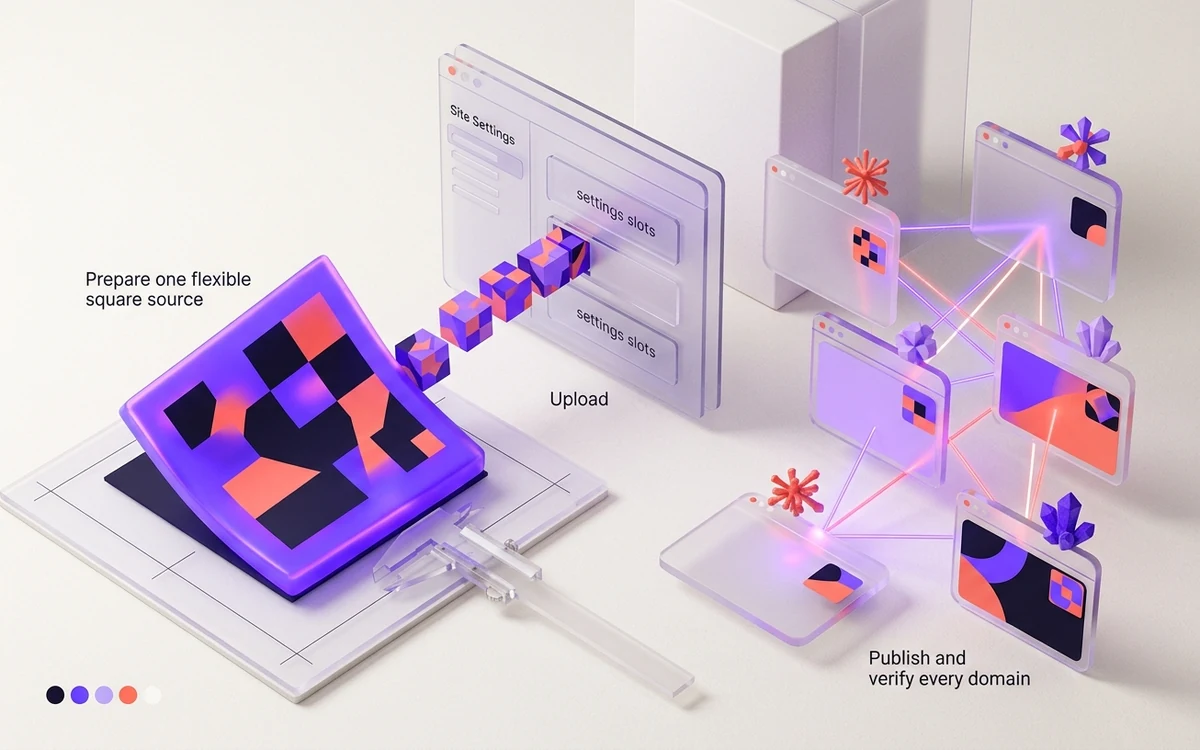
Prepare one flexible square source
Webflow now accepts one square image and generates the favicon and touch-icon sizes automatically. SVG sources are rasterized to PNG for cross-browser compatibility, so inspect clean raster reductions rather than assuming vector input solves tiny-size detail.
The generated set includes 32×32 browser, 48×48 search, 180×180 Apple, 192×192 Android, and 256×256 webclip outputs. Keep essential artwork centered enough to survive every derived surface.
Connected next stepHow to Add a Favicon in Wix: Upload, Publish, Verify for the closest prerequisite or comparison.
Upload in Site Settings
Go to Site Settings → General → Icons, choose Upload icon, and select the square source. Choose which icon outputs to update, click Apply, then publish the site for changes to become public.
After setting the light favicon, Webflow can accept a separate dark-mode version and serves it with prefers-color-scheme. Use a filename you are comfortable exposing because Webflow notes that the asset filename appears in HTML.
Connected next stepWordPress Favicon Guide: Add, Replace & Fix Site Icons for the next connected implementation decision.
Publish and verify every domain
Republish the staging hostname and each relevant custom domain. A change in Site Settings is not live until publication, and different domains can still point at different published states.
Inspect the generated link elements, request each icon URL, and compare light and dark browser modes. Use a clean profile only after confirming that the production markup and files are current.
Connected next stepOpen the most relevant production tool and verify the decision with a working output.
Review the headings, sources, implementation artifact, and update record for this guide as structured JSON.
Download guide evidence ↓- Guide
- Webflow Favicon Guide: Upload, Publish & Verify
- Coverage
- Client behavior can change by browser, operating system, platform version, cache state and deployment configuration. Unperformed manual observations are not claimed.
Questions, answered
Do I need separate favicon and webclip uploads in Webflow?+
No. The current Icons workflow generates the required favicon and touch-icon sizes from one square image.
Can Webflow serve a dark-mode favicon?+
Yes. The dark option appears after a light favicon is uploaded and uses the browser’s prefers-color-scheme preference.