
Quick answer
Place favicon.svg, favicon.ico, raster fallbacks, Apple touch icon, manifest, and PWA images in public. Vite copies these files to the output root without hashing or transforming their names.
- Last verified
- July 31, 2026
- Evidence
- Primary documentation plus a route-specific implementation example
- Primary sources
- 1
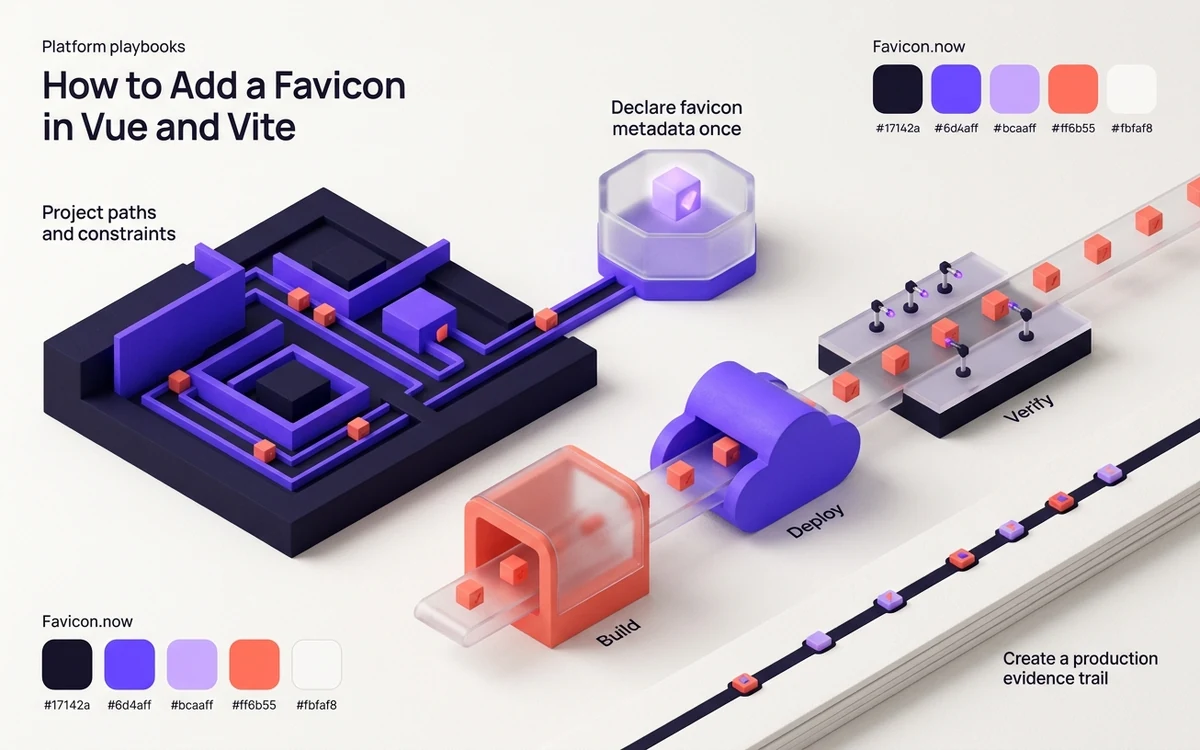
Project paths and constraints
Place favicon.svg, favicon.ico, raster fallbacks, Apple touch icon, manifest, and PWA images in public. Vite copies these files to the output root without hashing or transforming their names.
The public directory is copied as-is and must not be referenced with /public/ in URLs. A non-root Vite base changes where leading-slash paths resolve.
Connected next stepHow to Add a Favicon in Astro: Public Files and Layouts for the closest prerequisite or comparison.
Declare favicon metadata once
Add the link elements to the head in index.html. A Vue component is the wrong layer for site-level discovery unless the application has a deliberate runtime icon state.
In index.html, write publicDir files as /favicon.svg rather than /public/favicon.svg. When base is not '/', generate or prefix the public URL consistently and inspect every HTML entry in a multi-page build.
Connected next stepAngular Favicon Guide: Assets, HTML & Build Output for the next connected implementation decision.
Build, deploy, and verify
Run the production build and request the files from dist or the deployed base URL. Projects published below a subpath must align icon paths with Vite’s base configuration.
A common failure is a correct development URL that points outside the deployed subpath; inspect the built index.html and the configured base together.
Connected next stepOpen the most relevant production tool and verify the decision with a working output.
Prove the Vite build copied each candidate
After npm run build, list the icon files in dist and inspect the emitted index.html before uploading it. Record Vite's base value, because a successful dev-server request can hide a URL that escapes the production subdirectory.
On the deployed Vue application, test one deep client route and the entry page. Follow each rendered href, confirm image MIME types, and make sure the host's SPA fallback does not return index.html for a missing favicon.
Vite base paths and multi-page builds
Vite copies publicDir files to the output root without transforming their names. A project deployed below /docs/ or another base must ensure the icon href resolves through that production base instead of escaping to the hostname root.
For a multi-page build, inspect every emitted HTML entry rather than assuming one source index controls them all. Record the configured base, final dist tree, rendered href and direct production response in the release check.
Production file tree and code: Vue and Vite production file map
The browser URL never includes the public directory name. This example pairs the copied root assets with the index document that declares them.
public/
├── favicon.svg
├── favicon.ico
├── apple-touch-icon.png
└── site.webmanifest
index.html
vite.config.ts<link rel="icon" href="/favicon.svg" type="image/svg+xml" sizes="any">
<link rel="icon" href="/favicon.ico" sizes="any">
<link rel="apple-touch-icon" href="/apple-touch-icon.png">
<link rel="manifest" href="/site.webmanifest">Review the headings, sources, implementation artifact, and update record for this guide as structured JSON.
Download guide evidence ↓- Guide
- How to Add a Favicon in Vue and Vite
- Coverage
- Client behavior can change by browser, operating system, platform version, cache state and deployment configuration. Unperformed manual observations are not claimed.
Questions, answered
Why should the URL omit /public/?+
Vite serves publicDir contents from the URL root and copies them to the root of dist; public is a source directory, not part of the public path.
What breaks on a Vue site under /docs/?+
A leading-root icon URL can point to the hostname root instead of the application base. Align icon URLs with Vite's configured base and inspect the built HTML.