
Quick answer
Place favicon.ico at the top level of app. Next.js also recognizes icon.png or icon.svg and apple-icon.png inside route segments and emits the matching link elements.
- Last verified
- July 31, 2026
- Evidence
- Primary documentation plus a route-specific implementation example
- Primary sources
- 1
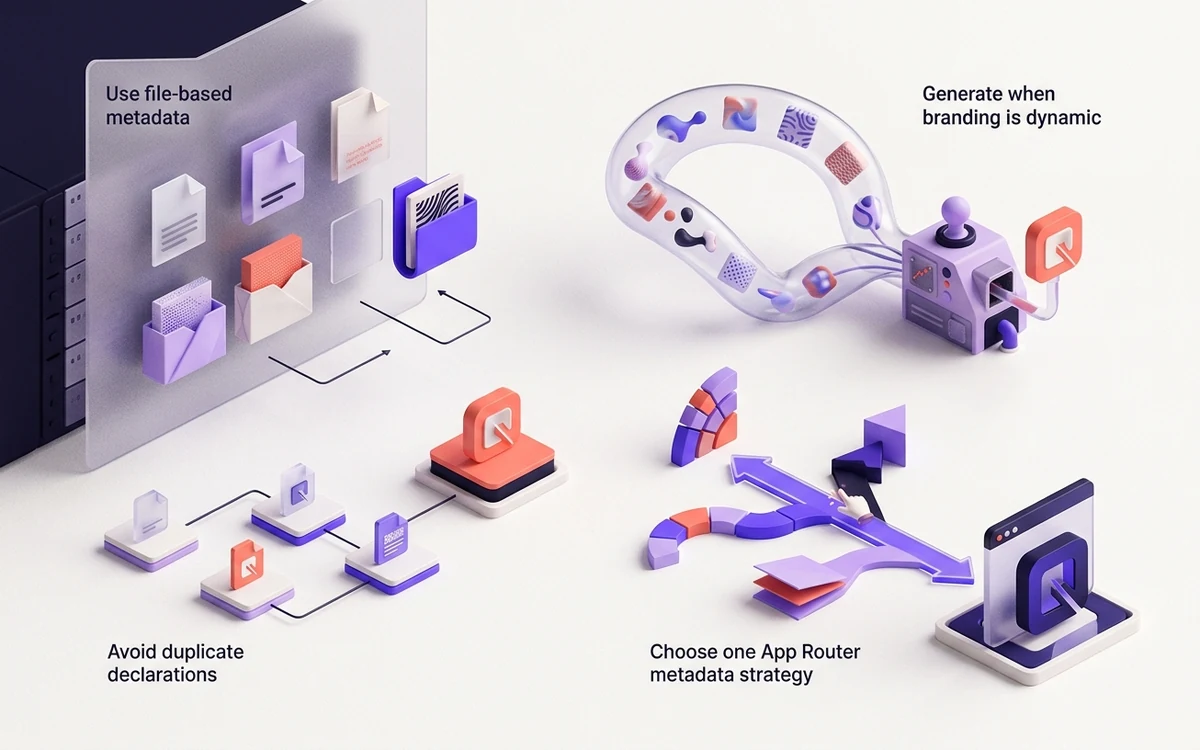
Use file-based metadata
Place favicon.ico at the top level of app. Next.js also recognizes icon.png or icon.svg and apple-icon.png inside route segments and emits the matching link elements.
Connected next stepHow to Add a Favicon to a Static HTML Website for the closest prerequisite or comparison.
Generate when branding is dynamic
An icon.tsx route can return ImageResponse output and export size plus contentType. Keep the root favicon static unless you have a clear reason to compute it.
Connected next stepHow to Add a Favicon to React and Vite for the next connected implementation decision.
Avoid duplicate declarations
Do not combine automatic metadata files with redundant manual icon arrays unless you intend multiple candidates. Inspect the final head after building.
Connected next stepOpen the most relevant production tool and verify the decision with a working output.
Choose one App Router metadata strategy
Use file conventions for stable assets or a metadata object for deliberate multiple candidates. Combining app/favicon.ico, app/icon.svg, manual icons metadata, and legacy head markup can emit duplicates whose selection order is difficult to predict.
Route-segment icons are useful for genuinely distinct applications, but ordinary marketing and article routes should usually inherit one root identity.
Inspect the build and deployed response
Run a production build, inspect the generated head, and request the emitted hashed or metadata URLs on the preview and final domains. Do not assume the development server represents an edge deployment or base-path configuration.
If the icon is missing only in search, verify the homepage candidate against search requirements separately from Next.js routing and allow time for recrawling.
Production file tree and code: Next.js App Router metadata files
These filenames let the App Router emit icon metadata before route components render. Choose this convention instead of duplicating the same candidates in a manual metadata object.
app/
├── favicon.ico
├── icon.svg
├── apple-icon.png
├── manifest.webmanifest
└── layout.tsxexport const metadata = {
icons: {
icon: [{ url: '/icon.svg', type: 'image/svg+xml' }],
apple: '/apple-icon.png',
},
manifest: '/manifest.webmanifest',
};Review the headings, sources, implementation artifact, and update record for this guide as structured JSON.
Download guide evidence ↓- Guide
- Next.js App Router Favicons: Files and Metadata
- Coverage
- Client behavior can change by browser, operating system, platform version, cache state and deployment configuration. Unperformed manual observations are not claimed.
Questions, answered
Can favicon.ico live in public?+
It can be served there, but the App Router convention is app/favicon.ico.
Why is there a hash query?+
Next.js may generate cache-aware asset URLs for metadata files.