
Quick answer
The public directory is the web server document root. Copy favicon.ico, favicon.svg, PNGs, Apple touch icon, manifest, and PWA assets there or into a stable public subdirectory.
- Last verified
- July 31, 2026
- Evidence
- Primary documentation plus a route-specific implementation example
- Primary sources
- 2
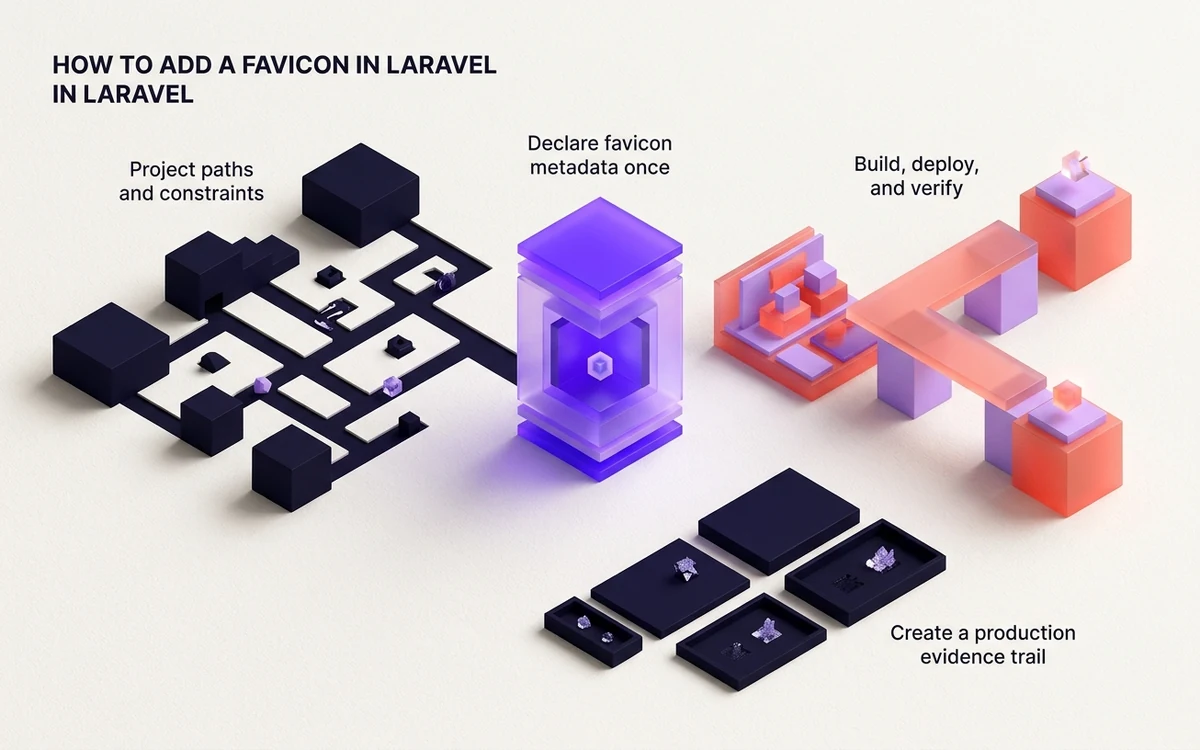
Project paths and constraints
The public directory is the web server document root. Copy favicon.ico, favicon.svg, PNGs, Apple touch icon, manifest, and PWA assets there or into a stable public subdirectory.
Laravel’s public directory is the document root; files stored elsewhere are not directly web-accessible. asset() follows application URL configuration, which matters behind HTTPS proxies or subpaths.
Connected next stepFlask Favicons: Static Files, Root Routes and Proxies for the closest prerequisite or comparison.
Declare favicon metadata once
Add the icon stack to the main Blade layout head. asset() can generate URLs under the configured application URL, while direct root paths are appropriate when the application owns the hostname root.
Put the declarations in the shared Blade layout and use asset() when application URL configuration should construct the public origin. A direct root path is simpler when Laravel owns the hostname root.
Connected next stepDjango Favicon Guide: Static Files, Routes & HTML for the next connected implementation decision.
Build, deploy, and verify
Check the public URLs through the same Nginx, Apache, CDN, and HTTPS configuration used in production. Ensure no front-controller rewrite consumes actual icon files.
If the front controller returns HTML for an icon URL, the web server is not honoring the static file before the rewrite. Fix document-root or location rules rather than adding another link tag.
Connected next stepOpen the most relevant production tool and verify the decision with a working output.
Prove the web server honors Laravel's public document root
Confirm each favicon file exists below public, not resources or storage, and render the Blade layout through the final HTTPS configuration. Check APP_URL and forwarded-host handling when asset() produces an unexpected scheme or subpath.
Request the icon paths through Nginx or Apache before and after the CDN. If the front controller returns an HTML page for a missing image, adjust the static-file or try_files order so existing files bypass index.php.
Production file tree and code: Laravel public files and Blade metadata
Laravel's public directory is the web document root. The asset helper is useful when proxy, scheme, or application URL configuration must construct the final origin.
public/
├── favicon.svg
├── favicon.ico
├── apple-touch-icon.png
└── site.webmanifest
resources/views/layouts/app.blade.php<link rel="icon" href="{{ asset('favicon.svg') }}" type="image/svg+xml">
<link rel="icon" href="{{ asset('favicon.ico') }}">
<link rel="apple-touch-icon" href="{{ asset('apple-touch-icon.png') }}">
<link rel="manifest" href="{{ asset('site.webmanifest') }}">Review the headings, sources, implementation artifact, and update record for this guide as structured JSON.
Download guide evidence ↓- Guide
- Laravel Favicon Guide: Public Files, Blade & Caching
- Coverage
- Client behavior can change by browser, operating system, platform version, cache state and deployment configuration. Unperformed manual observations are not claimed.
Questions, answered
Can favicon files live in resources?+
They can be source assets only if the build copies them. Files that need stable direct URLs should be placed in public or emitted there by the asset pipeline.
Why does the favicon URL return the Laravel homepage?+
The front-controller rewrite is handling the asset request. Correct the document root or server location rules so real public files are served first.