
Quick answer
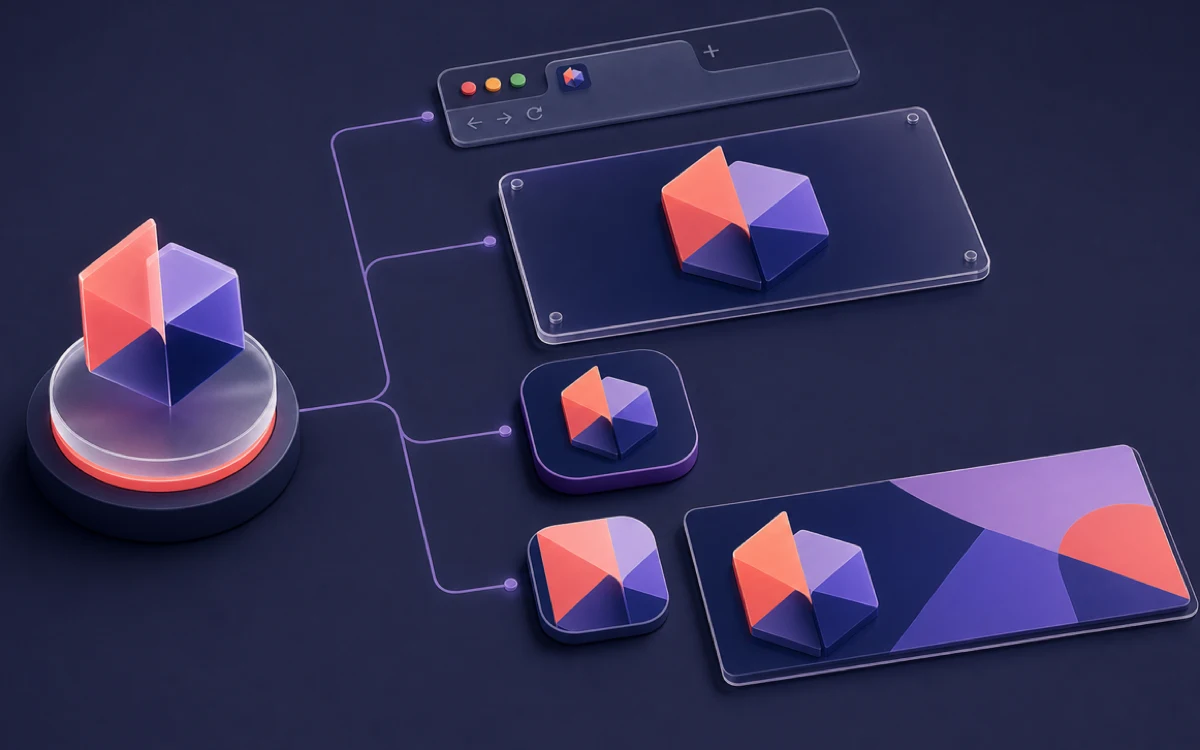
A favicon identifies a website in browser and search surfaces. A logo is the broader brand asset from which a favicon may be simplified. Apple touch and PWA icons launch saved or installed experiences, while an Open Graph image represents a shared page in social and messaging previews.
- Last verified
- July 31, 2026
- Evidence
- Primary documentation plus transparent editorial analysis
- Primary sources
- 3
Favicon vs Logo, App Icon and Social Preview: key distinctions
| Asset | Primary surface |
|---|---|
| Favicon | Browser tabs, bookmarks and eligible search results |
| Apple touch icon | iPhone and iPad home-screen shortcuts |
| PWA icon | Installed web applications and launchers |
| Maskable icon | Adaptive operating-system crops |
| Social preview | Shared links in social and messaging products |
The short answer
A favicon identifies a website in browser and search surfaces. A logo is the broader brand asset from which a favicon may be simplified. Apple touch and PWA icons launch saved or installed experiences, while an Open Graph image represents a shared page in social and messaging previews.
These assets should look related, but copying identical pixels into every slot usually creates bad crops, unreadable text, transparent launcher backgrounds, or a social card with no useful context.
Connected next stepFavicon HTML Link Tags: Complete Code Reference for the closest prerequisite or comparison.
Match the asset to the surface
Favicons need a compact square silhouette that survives 16×16. Apple touch icons use a dedicated 180×180 PNG and benefit from an intentional background. Ordinary PWA icons describe the app identity; maskable icons require full-bleed pixels and a protected center for adaptive crops.
Social preview images are wide editorial or marketing compositions, commonly using page-specific imagery and readable text. They are declared through Open Graph or platform metadata, not rel=icon or a web app manifest.
Connected next stepBuild a Scalable Favicon System for a Multi-Site Brand for the next connected implementation decision.
Build one identity system, not one file
Choose a shared color, symbol, or letterform, then adapt its composition. Document the safe area, background behavior, minimum recognizable size, and which master file generates each deliverable.
Keep filenames and metadata explicit. A browser favicon, Apple icon, manifest icon and social image can coexist without ambiguity when every URL, type, size and purpose matches the real file.
Connected next stepOpen the most relevant production tool and verify the decision with a working output.
Production handoff
Export and inspect favicon.svg, favicon.ico, a raster browser fallback, apple-touch-icon.png, ordinary and maskable manifest icons, and the appropriate social image. Test the favicon at native size and every app icon inside representative crops.
Use the HTML generator for browser declarations, the manifest generator for install assets, and page-level Open Graph tags for social previews. Validate each system separately after deployment.
Review the headings, sources, implementation artifact, and update record for this guide as structured JSON.
Download guide evidence ↓- Guide
- Favicon vs Logo, App Icon and Social Preview
- Coverage
- Client behavior can change by browser, operating system, platform version, cache state and deployment configuration. Unperformed manual observations are not claimed.
Questions, answered
Can my logo also be my favicon?+
Sometimes, but horizontal wordmarks and detailed logos usually need a reduced symbol or monogram for 16-pixel use.
Is an Open Graph image a favicon?+
No. It is a wide page preview used by social and messaging platforms and is declared separately from favicon metadata.